B2C Shopping

AI Mode

UX design

Design Testing

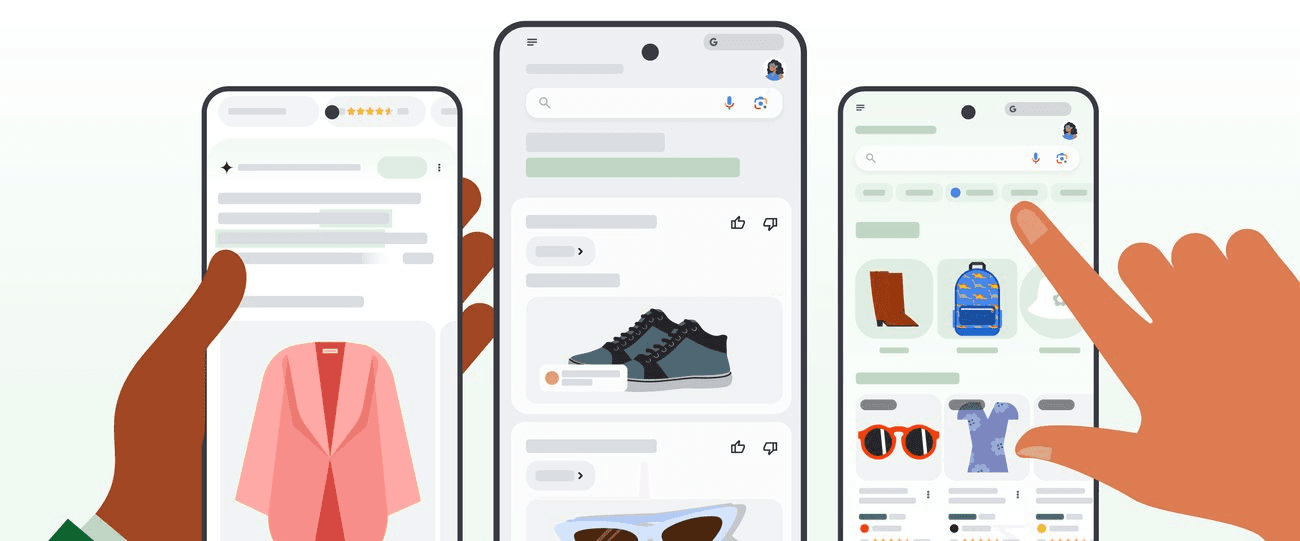
Reference image from: Google blog website

Reference image from: Google blog website

Navigating ambiguity to design for scale

Navigating ambiguity to design for scale

Reimagined shopping with AI Mode for millions of users

Reimagined shopping with AI Mode for millions of users

I spent the summer bringing clarity, redesigning AI responses, testing ideas at speed, and building tools that scaled impact across the team.

I spent the summer bringing clarity, redesigning AI responses, testing ideas at speed, and building tools that scaled impact across the team.

Timeline

Summer 2025 (May - Aug)

Team

Google Shopping (AI Mode)

Role

User Experience Design Intern

Timeline

Summer 2025 (May - Aug)

Much of my work is under NDA

I'm sharing what I can. For full details, feel free to contact me at design.hitarthi@gmail.com or @LinkedIn

TL;DR: About My Projects

Proposed and tested redesign with 800+ users, achieving 37% preference

Led design exploration across 20+ iterations, balancing AI capabilities with user needs

Built a Figma plugin and shipped to automate repetitive tasks for designers

Built a Figma plugin and shipped to automate repetitive tasks for designers

Supported high-priority initiative with 30+ design variations in a tight deadline

This summer taught me to navigate ambiguity, design for AI-driven experiences, and create impact beyond my core project.

This summer taught me to navigate ambiguity, design for AI-driven experiences, and create impact beyond my core project.

Redesigning AI Mode Responses (Main Project)

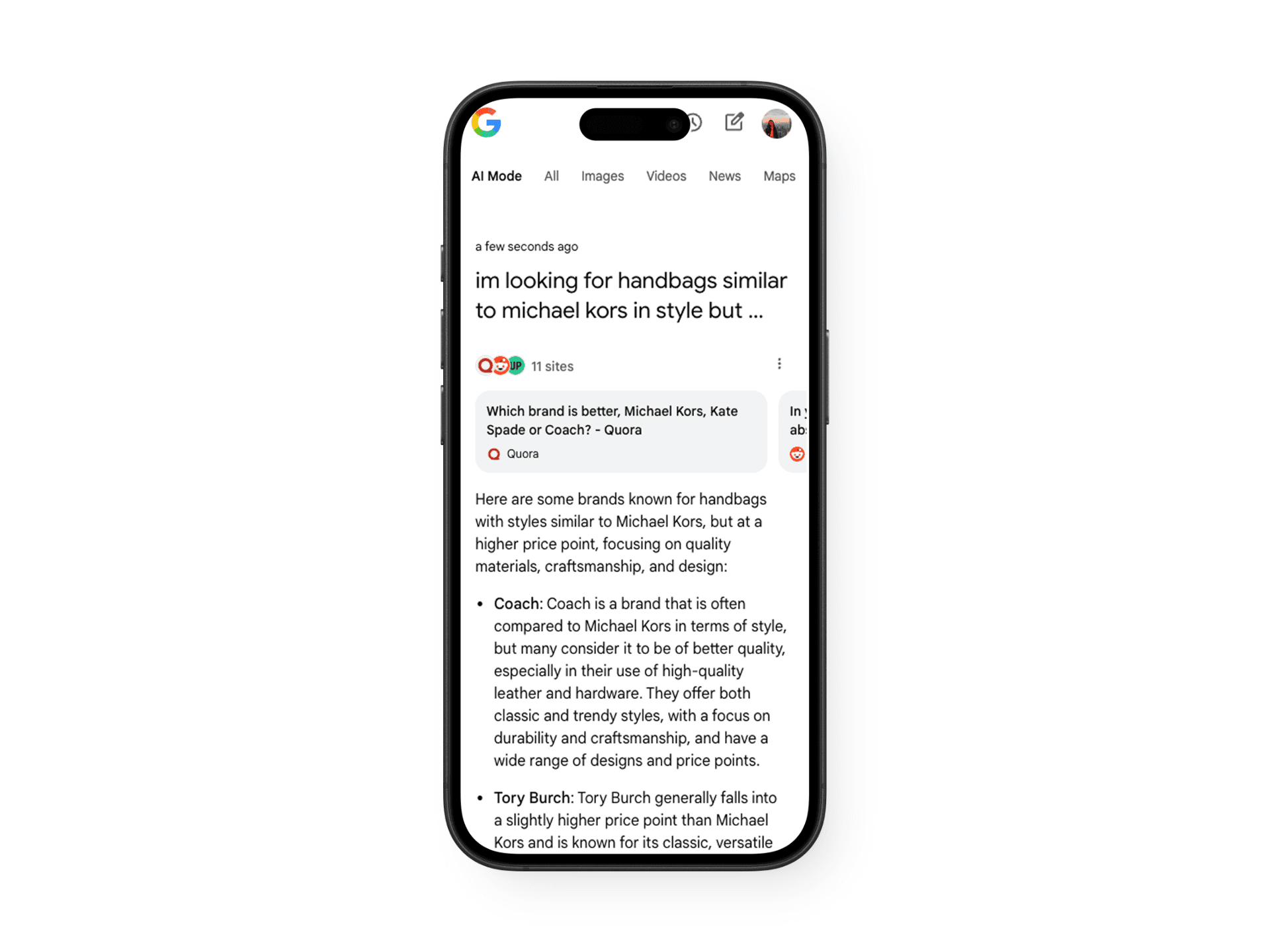
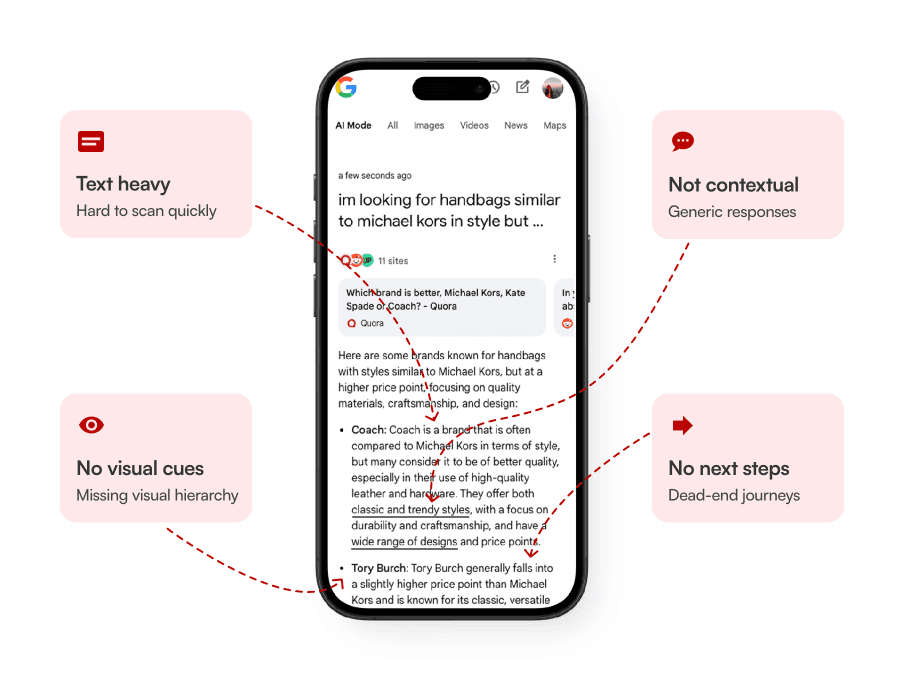
Problems in the Current Experience

Text heavy

Hard to scan quickly

No visual cues

Missing visual hierarchy

Not contextual

Generic responses

No next steps

Dead-end journeys

Text heavy

Hard to scan quickly

No visual cues

Missing visual hierarchy

Not contextual

Generic responses

No next steps

Dead-end journeys

Design Exploration

I explored 6 directions, testing different approaches to information architecture, visual hierarchy, and content density.
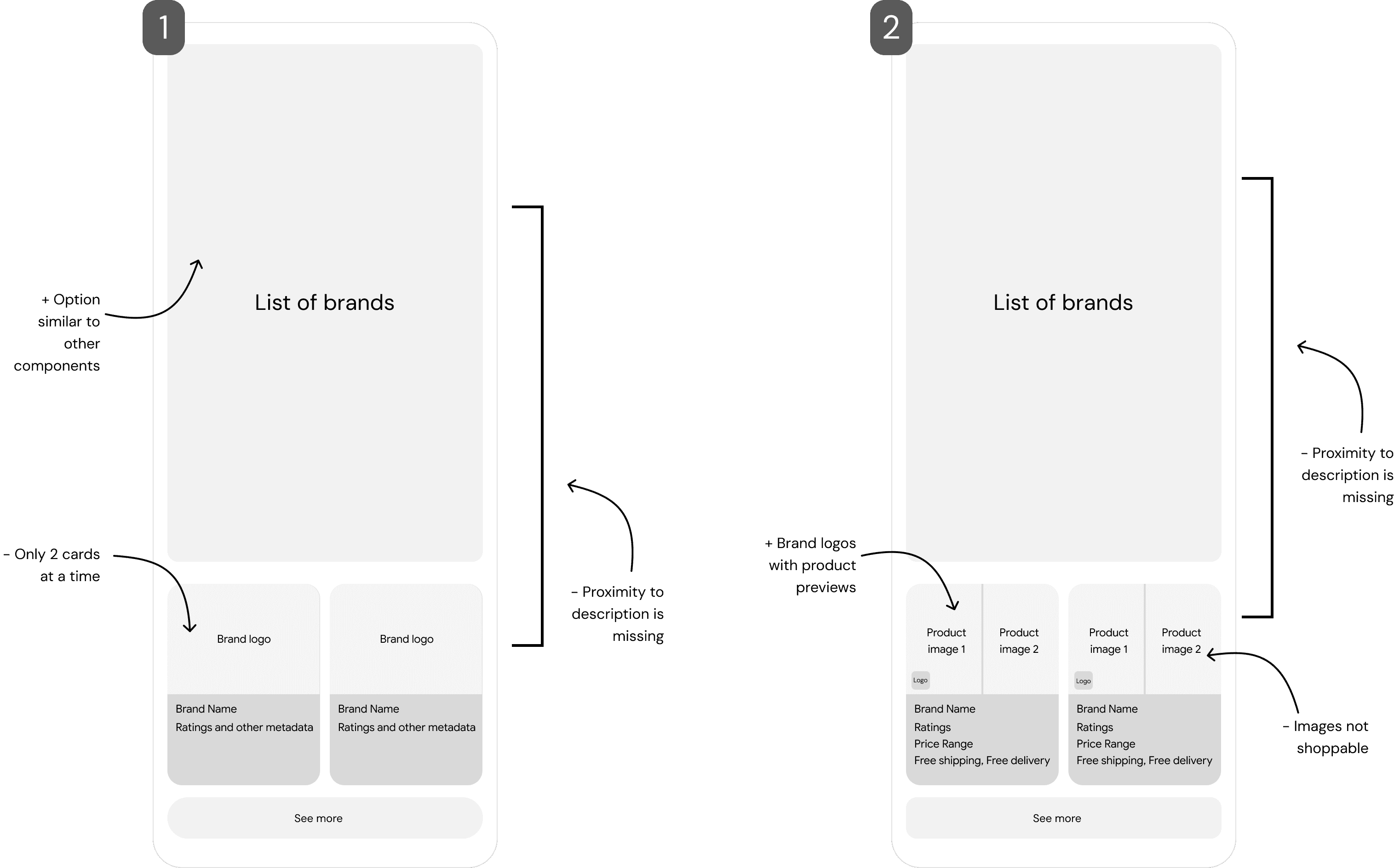
Option 1 & 2 Learnings

Minimal lists maximized speed but lacked decision-making context. Adding visual elements (brand logos, product images) improved recognition, but the non-interactive images created confusion about next steps. Both options showed only 2 cards at a time, requiring excessive scrolling.
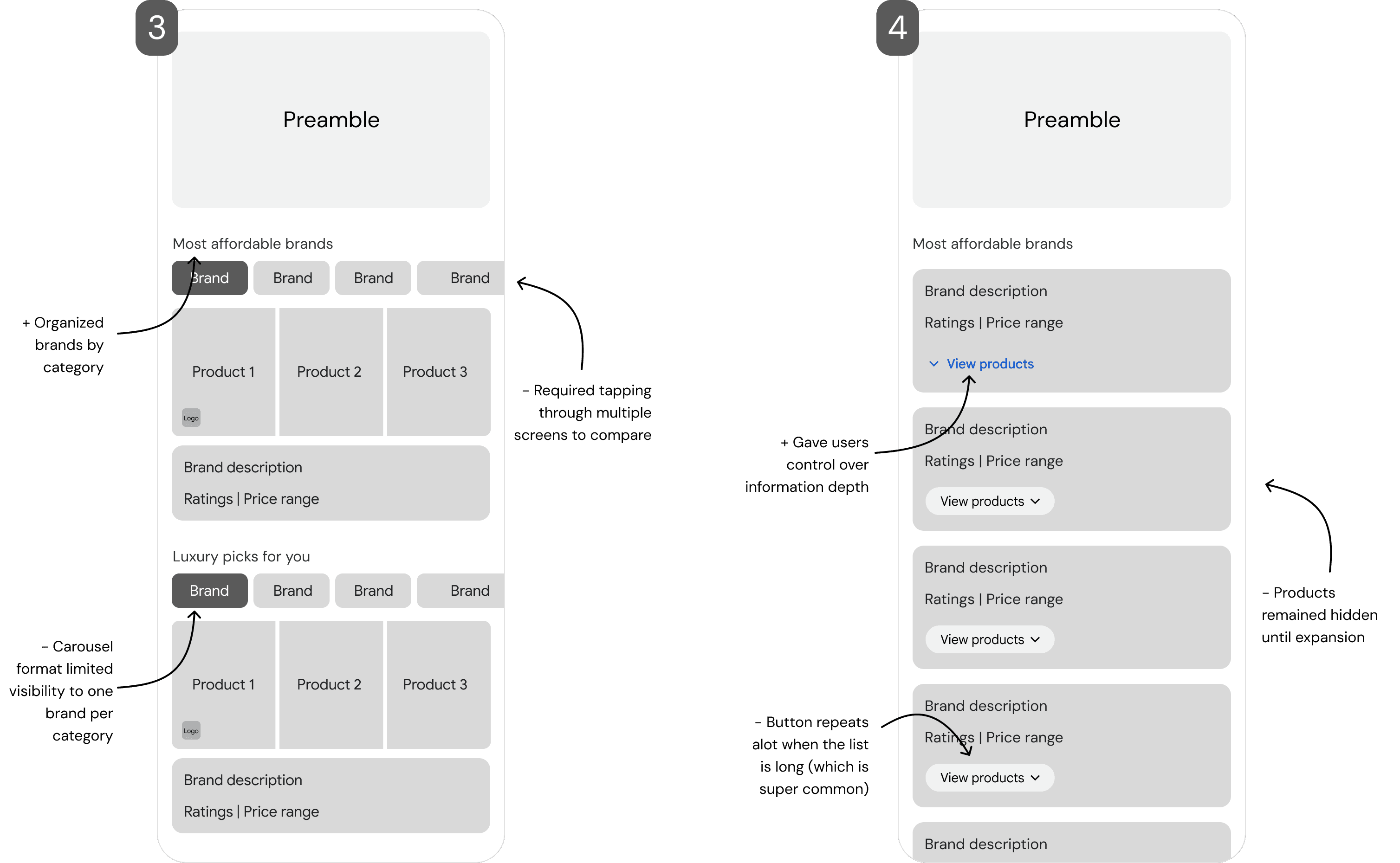
Option 2 & 3 Learnings

Categorization helped users navigate different price ranges, but the carousel limited comparison. Expandable cards gave control but hid key information behind interactions.
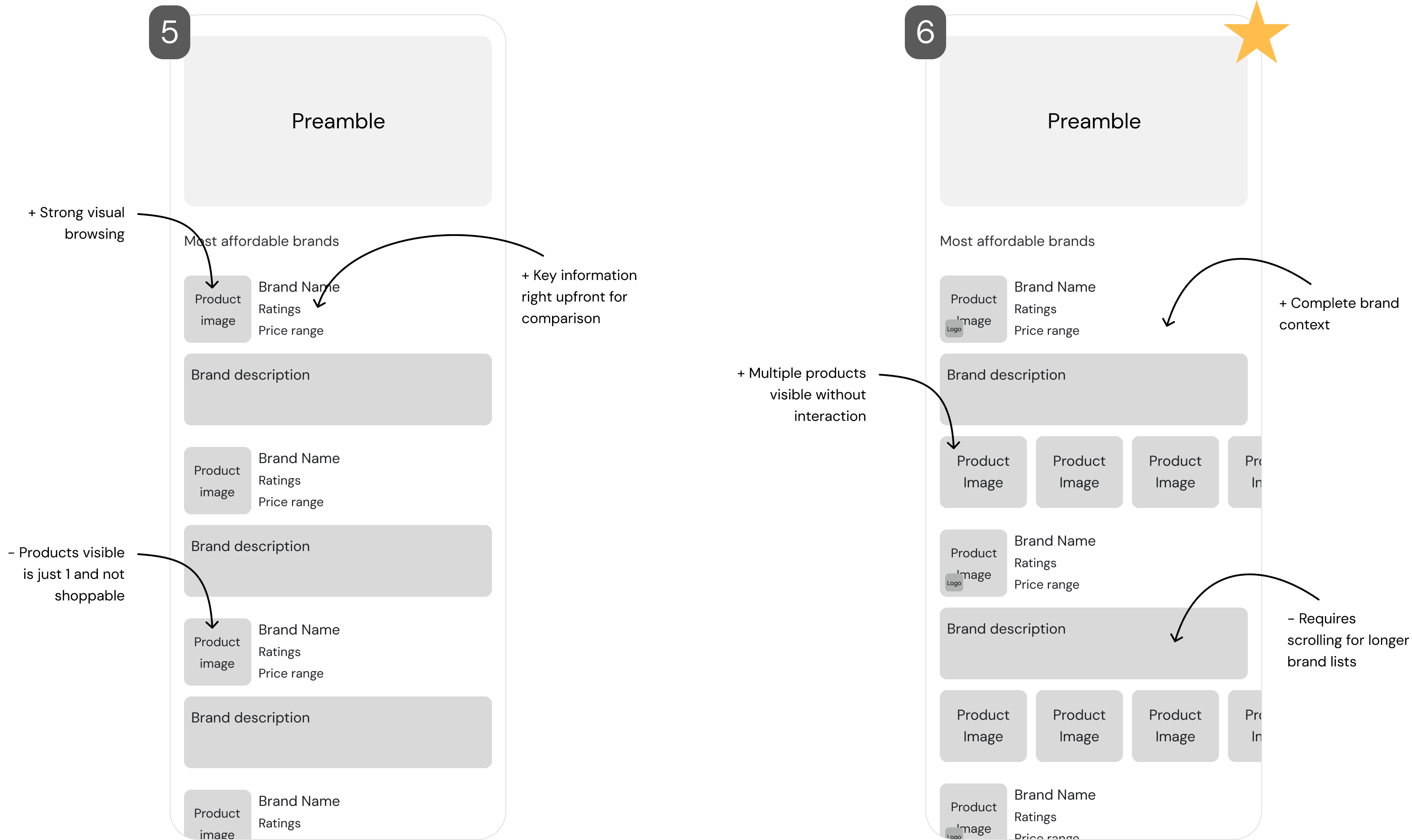
Exploration outcome

Direction 6 balanced all user needs: scannability, context, and efficiency without requiring interaction. This direction advanced to testing with 800+ users.

Testing & Results

A/B tested with 800+ users across 20+ combinations to refine layout, information density, and visual treatments.

User preference over existing design

User preference over existing design

37%

Context helped decision-making

Better comparison

Visual hierarchy reduced confusion

Clearer next steps

Visual hierarchy reduced confusion

Clearer next steps

Key Learnings

Small details matter

A misinterpreted rating icon significantly affected user decisions, showing how minor design choices can impact behavior

Balance is critical

Finding the right amount of information: not too much, not too little was key to helping users make confident decisions

Every iteration has value

Even "losing" variations revealed valuable insights about user expectations and mental models that shaped future designs

Making responses more Actionable

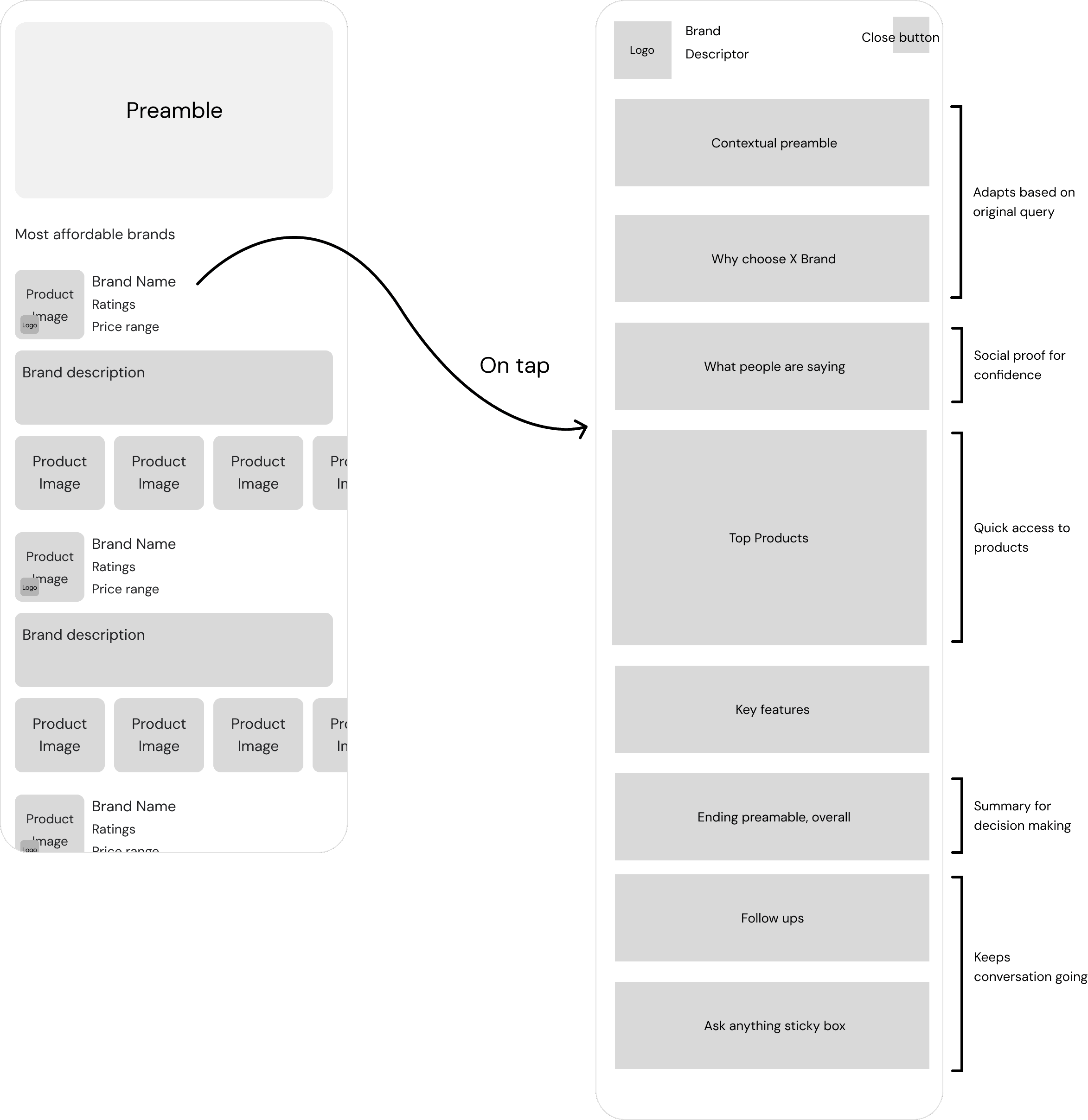
After exploring different ways to represent brand lists, I focused on ensuring users had a clear next step that felt natural and intuitive: guiding them through their shopping journey.
Project 2: Visual Treatment & Image Shoppability

Supporting AI Mode with strategic imagery research and rapid prototyping for shoppable experiences.

Supporting AI Mode with strategic imagery research and rapid prototyping for shoppable experiences.

Product Imagery Research

Different imagery styles may perform differently across product categories. Which visual treatments resonate most with users?

Different imagery styles may perform differently across product categories. Which visual treatments resonate most with users?

The Challenge

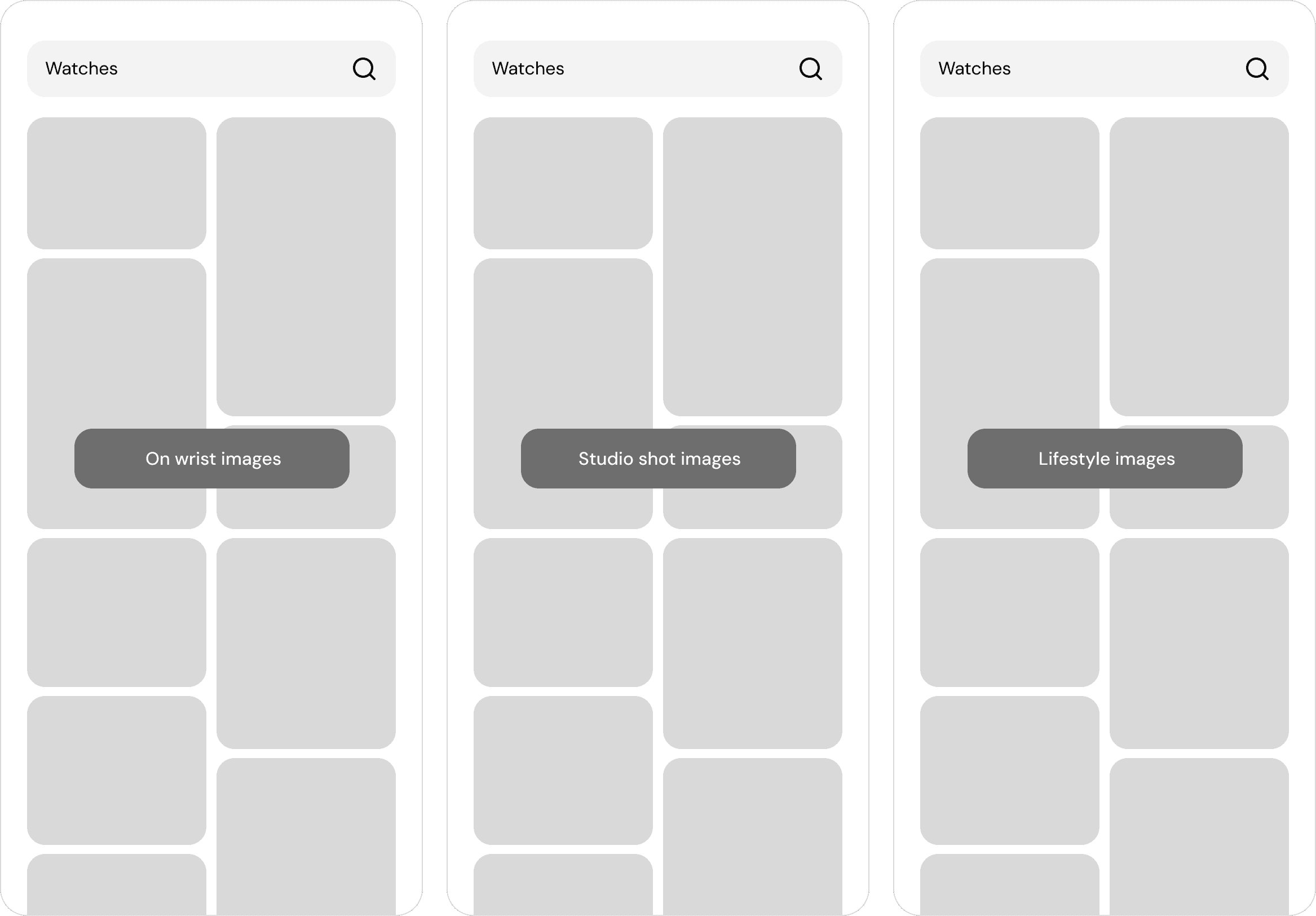
Created test mockups to evaluate imagery preferences across categories like watches, apparel, furniture, and footwear.

Created test mockups to evaluate imagery preferences across categories like watches, apparel, furniture, and footwear.

Created test mockups to evaluate imagery preferences across categories like watches, apparel, furniture, and footwear.

My Contribution

Example: Watches

Similar testing was conducted across 5+ product categories, each with 3-4 visual treatment variations

Similar testing was conducted across 5+ product categories, each with 3-4 visual treatment variations

Impact

Watches, apparel, furniture, footwear, and more

Watches, apparel, furniture, footwear, and more

5+ Categories tested

Image selection standards for AI Mode responses

Image selection standards for AI Mode responses

Guidelines created

Insights informed content strategy priorities

Insights informed content strategy priorities

Roadmap impact

Roadmap impact

Insights informed content strategy priorities

Roadmap impact

Project 2: Visual Treatment & Image Shoppability

Supporting AI Mode with strategic imagery research and rapid prototyping for shoppable experiences.

Supporting AI Mode with strategic imagery research and rapid prototyping for shoppable experiences.

Project 3: Contributing to a P0

A high-priority (P0) initiative required immediate design support during a critical launch stage.

A high-priority (P0) initiative required immediate design support during a critical launch stage.

A high-priority (P0) initiative required immediate design support during a critical launch stage.

Created in 1 week

50+ mocks

Enabled rapid experimentation

Enabled rapid experimentation

300+ tests

Stepped in during critical phase

Stepped in during critical phase

P0 Contribution

Stepped in during critical phase

P0 Contribution

Project 4: Figma Plugin Side Project

In my final month, I took the initiative to collaborate with a Staff designer, learn Figma plugin development, and identify an opportunity to solve a repetitive design task.
Within three weeks, I designed, developed, and launched a plugin that automated repetitive task, making it available to all designers at Google.

Learned plugin development

New skill

From idea to launch

3 weeks

Available to all designers @Google

Available to all designers @Google

Team-wide launch

Learned plugin development

Learned plugin development

New skill

Key Takeaways

Key Takeaways

Get early feedback

Reuse existing components

Reuse existing components

Test at scale

Always ask why

Iterate with team
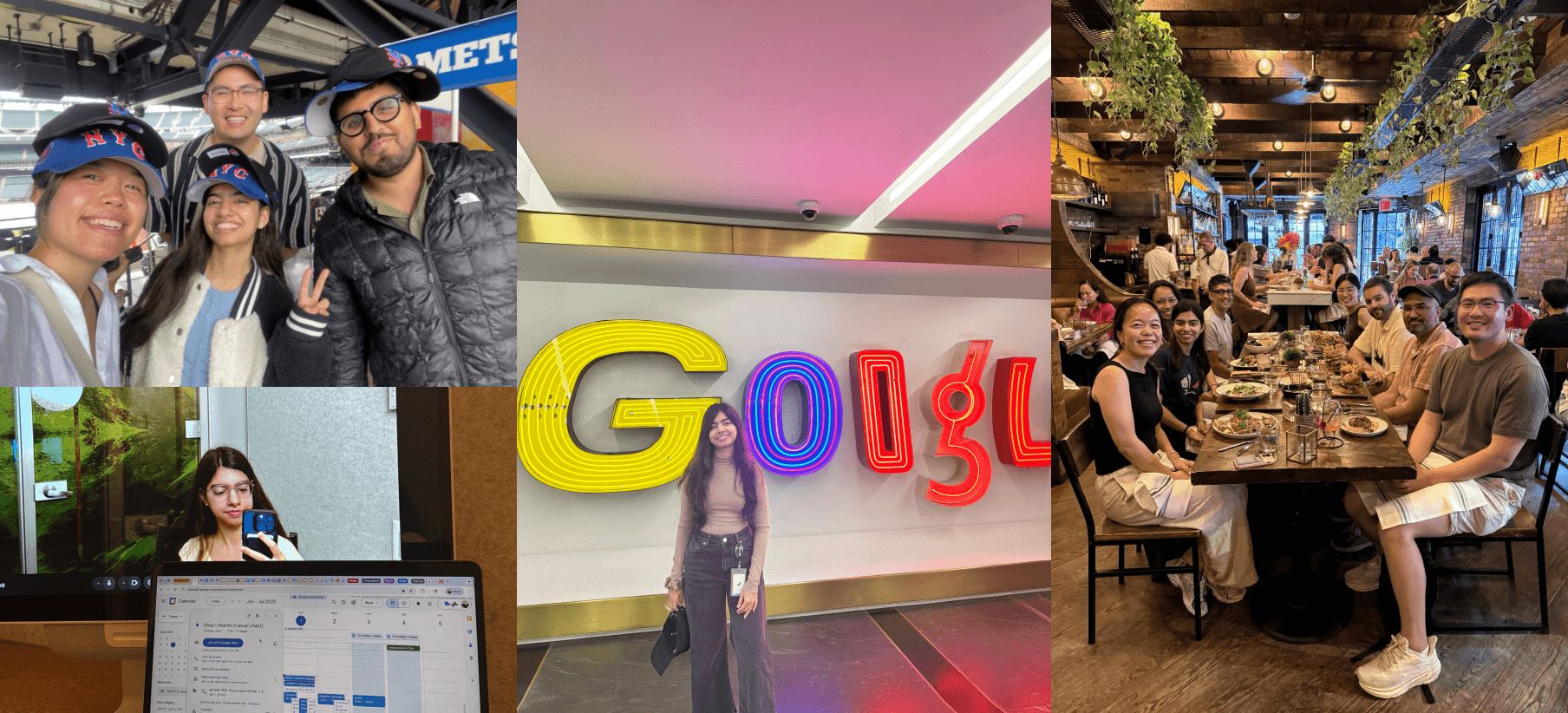
Summer @Google

Summer @Google

More projects

More projects

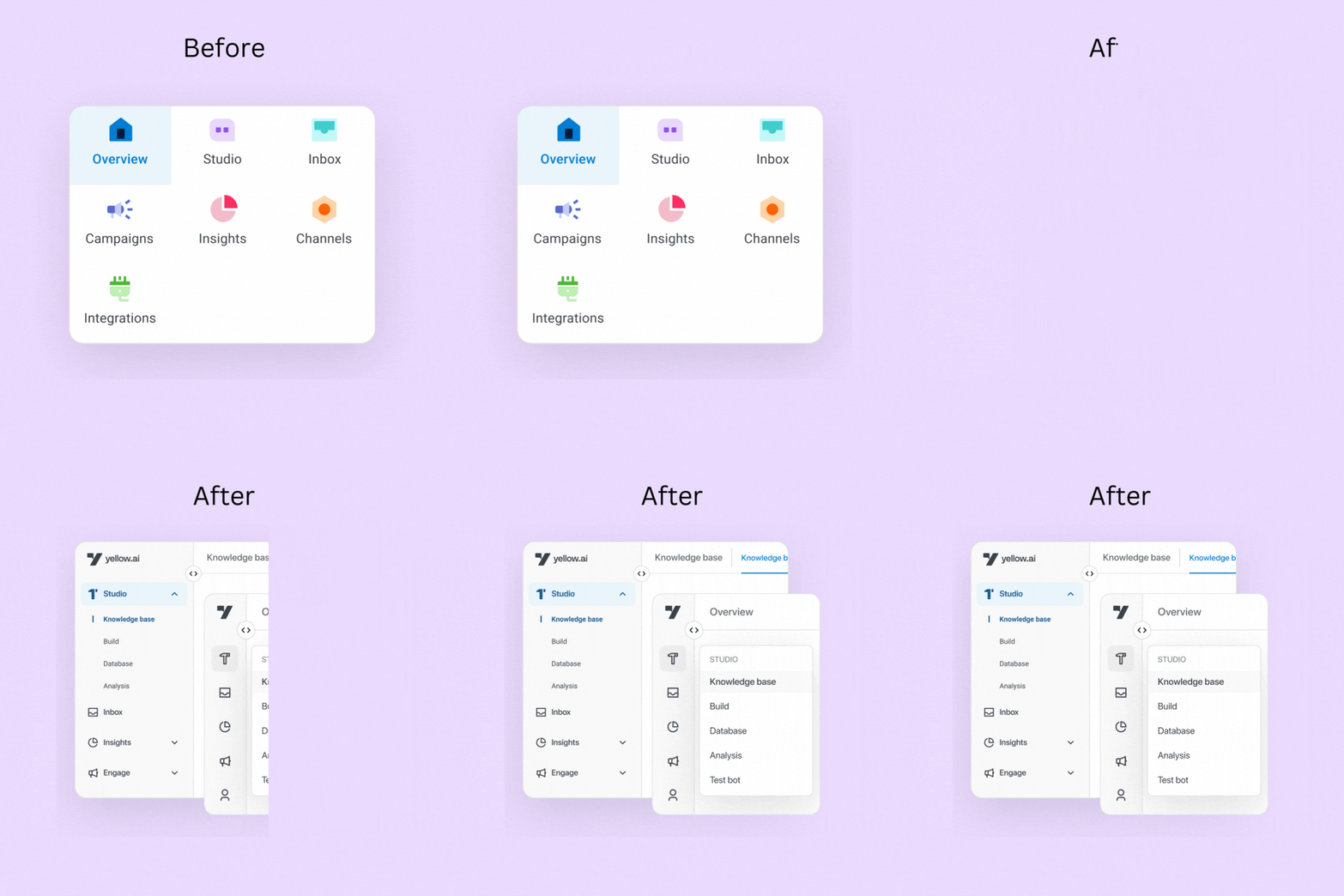
Re-designing the navigation for higher discoverability rate

Revamped navigation to boost discoverability by 50% and simplify workflows.

B2B Saas

Interaction design

UX research

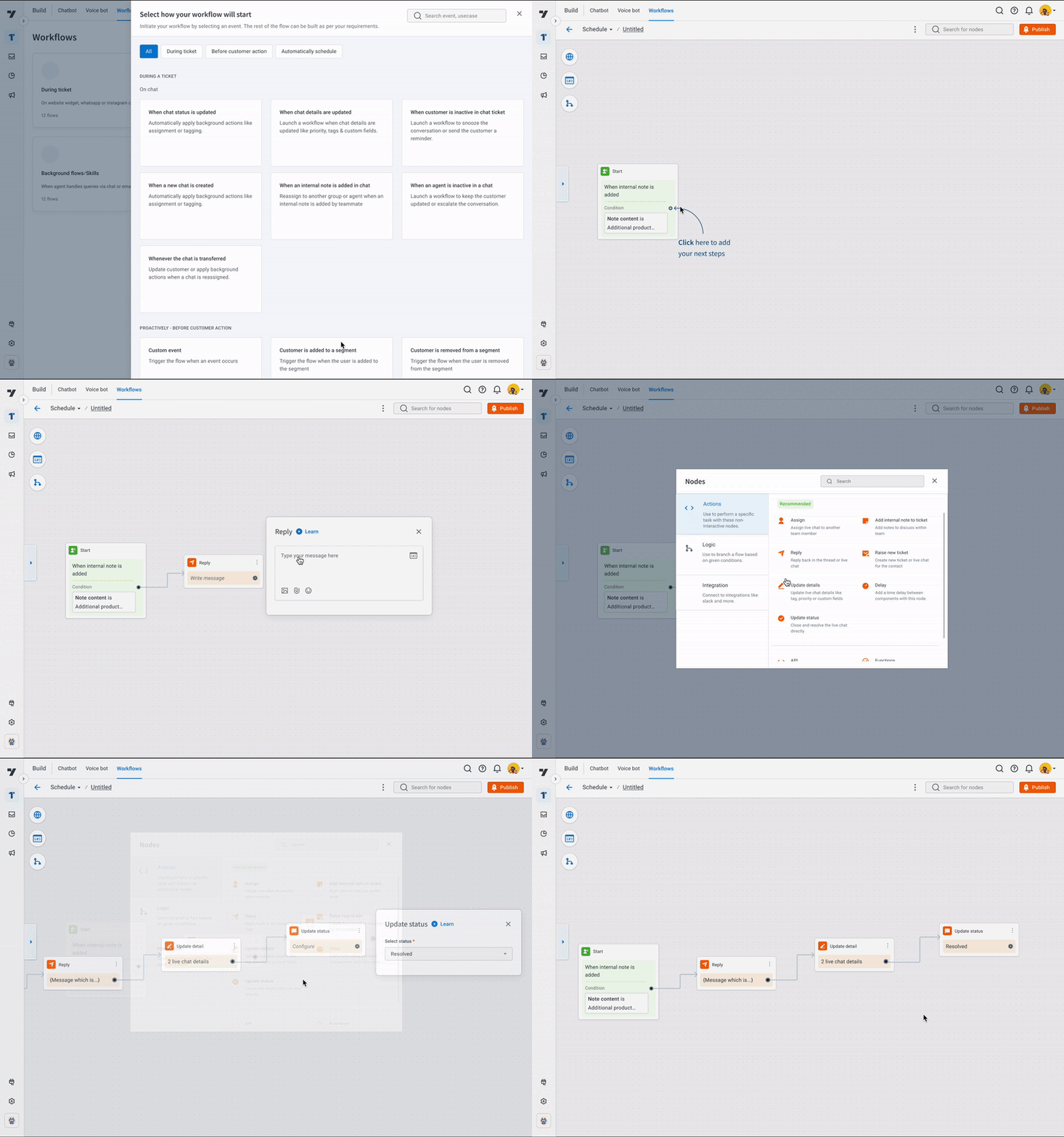
Support workflows to automate manual tasks by 70%

Automated repetitive tasks by creating workflows, letting agents set them up once and handle cases automatically.

B2B Saas

UX design & Research

New feature

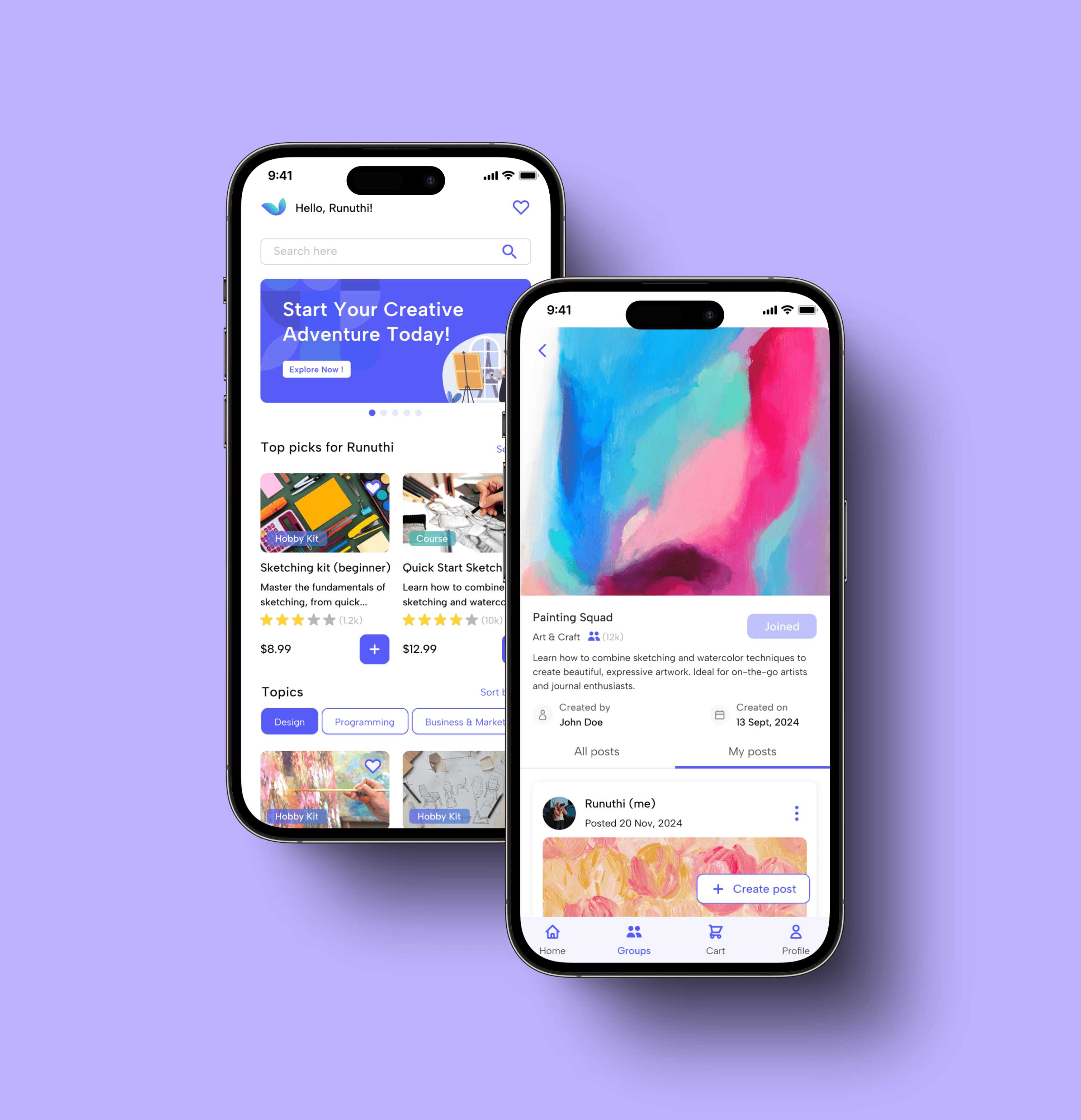
Redefining hobby exploration with Twiddle

Created a platform for learning, supplies, and community to make hobbies fun and accessible.

B2C

E-commerce

Mobile App

UX design & Research

Re-designing the navigation for higher discoverability rate

Revamped navigation to boost discoverability by 50% and simplify workflows.

B2B Saas

Interaction design

UX research

Support workflows to automate manual tasks by 70%

Automated repetitive tasks by creating workflows, letting agents set them up once and handle cases automatically.

B2B Saas

New feature

UX design & Research

Redefining hobby exploration with Twiddle

Created a platform for learning, supplies, and community to make hobbies fun and accessible.

B2C

E-commerce

UX design & Research

App

Re-designing the navigation for higher discoverability rate

Revamped navigation to boost discoverability by 50% and simplify workflows.

B2B Saas

Interaction design

UX research

Support workflows to automate manual tasks by 70%

Automated repetitive tasks by creating workflows, letting agents set them up once and handle cases automatically.

B2B Saas

New feature

UX design & Research

Redefining hobby exploration with Twiddle

Created a platform for learning, supplies, and community to make hobbies fun and accessible.

B2C

E-commerce

UX design & Research

App